
HarborNavi
HarborNavi
Households that want local context across selected cameras, devices, permissions, and conversations.
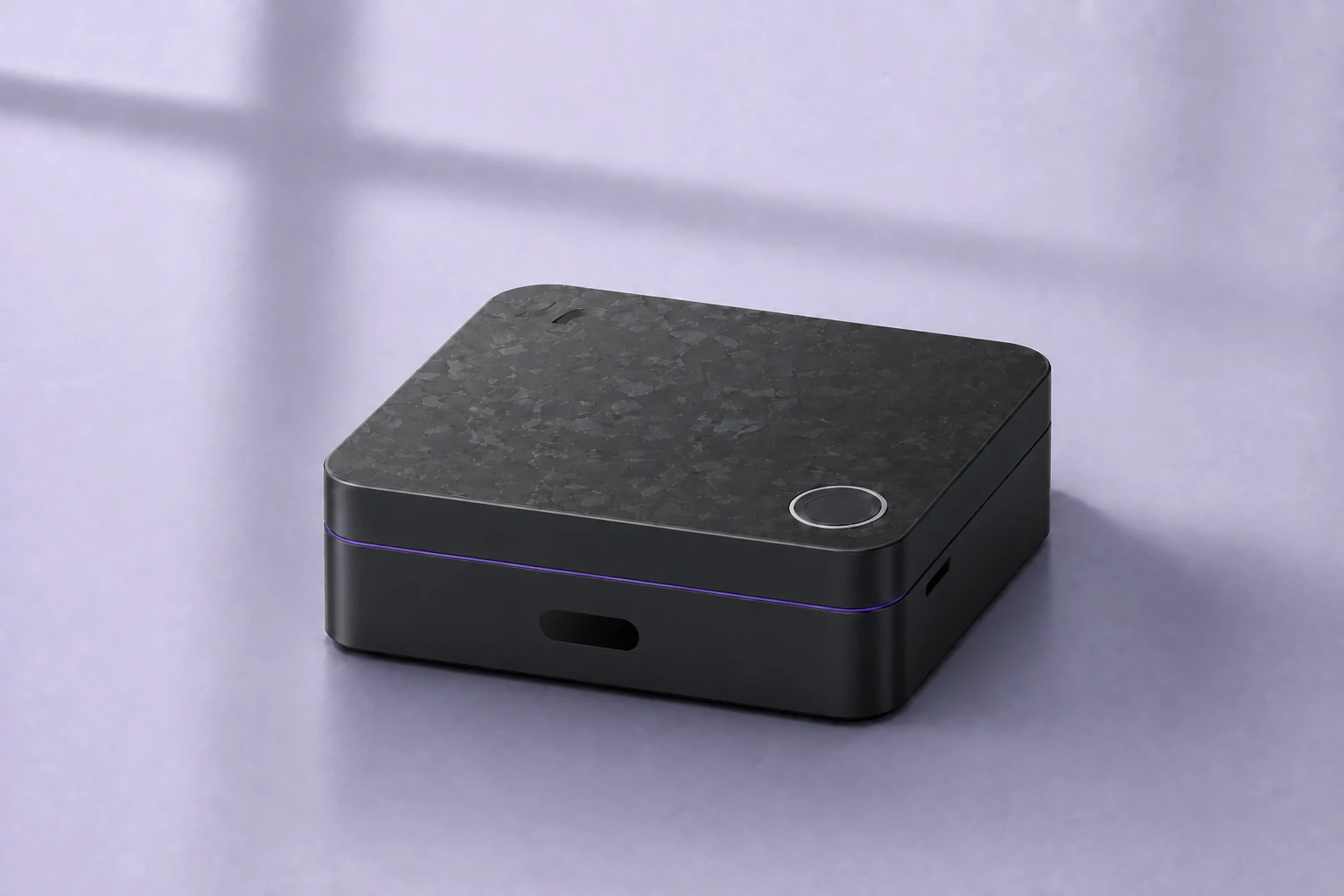
Sourced product comparison
Five approaches solve different jobs. Compare what each is built around, who maintains it, how it acts, and where household context lives.
Last reviewed
Direct answer
Camera AI organizes around footage and security events. Cloud home AI organizes around an account ecosystem and online services. Local automation stacks organize around devices, entities, and owner-built rules. Professional systems organize around integrator-designed control. HarborNavi is being developed around local household context, permissions, conversation, and coordinated responses across selected inputs.
HarborNavi is still in development. This comparison describes product approaches, not a certification that one complete system is universally more private, compatible, or capable.
Side-by-side
Individual products and plans vary. The table describes the primary model of each category and links to first-party evidence below.
| Criterion | HarborNaviPrivate household intelligence | Camera AIVideo events and security search | Cloud home AIAssistant-led home services | Local automation stacksOwner-built control and local AI | Professional whole-homeIntegrator-designed control |
|---|---|---|---|---|---|
| Built around | Understanding home context, remembering what matters, and coordinating allowed actions | Video and security events | Conversation, summaries, and control inside an account ecosystem | Devices, entities, rules, and owner-built automations | Dealer-designed whole-home control |
| Who pieces it together | HarborNavi keeps the household context together locally | The camera vendor's event history | The vendor cloud and supported services | The owner or integrator | The dealer or integrator |
| When the routine changes | Clarify, wait, notify, or act from local household context | Detect, search, or summarize video | AI behavior inside supported services | The owner adds conditions, helpers, and exceptions | The dealer updates scenes and policies |
| Context and follow-up | Local household context across events, devices, and conversations | Footage and event history | Account and service memory | Possible with owner-built components | System state and configured scenes |
| From understanding to action | Conversation, clarification, permission, then coordinated action | Alerts and vendor-specific responses | Voice and actions inside supported ecosystems | Broad actions through user-built automations | Broad dealer-configured actions |
| Setup and maintenance | Designed for self-install with supported paths made clear | Vendor app | Consumer account and cloud setup | DIY or self-managed stack | Professional installation |
| Data path and subscription | Core local features without a required subscription | Varies by vendor and model | Advanced features and plans vary | Local core is possible; add-ons vary | Vendor, dealer, and service terms vary |
Choose by job
No single category is the right answer for every home. Start with the problem, then verify the exact model, data path, integrations, and maintenance responsibility.
HarborNavi
Households that want local context across selected cameras, devices, permissions, and conversations.
Reolink, Tapo, eufy
Households primarily focused on camera recording, detection, video search, and security alerts.
Gemini for Home, Alexa+
Households that prioritize broad voice assistance, online services, and an established account ecosystem.
Home Assistant, Frigate, Homey Pro
Owners who want broad control and are comfortable selecting hardware, integrations, models, and automations.
Josh.ai, Control4
Homes that want a professionally designed, installed, and maintained control system.
Method and limits
The table compares the job each approach is primarily designed to do. Exact features, pricing, regions, and subscriptions can differ within a category.
Claims about other products are based on their official pages or documentation. Vendor statements are evidence of positioning and documented features, not independent performance tests.
HarborNavi is in development. Planned integration and product-direction statements are kept separate from available, tested, or universally compatible features.
Sources
Reviewed on September 23, 2026. External pages can change after review.
Reolink
Vendor description of local camera analysis, search, summaries, and Reolink ecosystem compatibility.
TP-Link
Vendor description of the camera hub, local storage, AI features, and supported Tapo devices.
eufy
Vendor description of local storage, on-device recognition, and eufy camera ecosystem features.
Google's description of Gemini-based conversation, smart-home control, and household assistance.
Amazon
Amazon's description of its generative-AI assistant, smart-home control, and connected services.
Home Assistant
Home Assistant's official description of local and cloud models, exposed entities, and owner control.
Frigate
Official documentation for a local NVR with camera recording and AI object detection.
Homey
Vendor description of on-premise processing, device protocols, Flows, and optional cloud services.
Josh.ai
Vendor description of local device control, edge voice processing, scale, and professional installation.
Control4
Vendor description of integrator-configured scenes, whole-home control, and voice-assistant integrations.
Questions
HarborNavi is being developed as local-first household intelligence. It is intended to connect selected camera events, device state, permissions, conversations, and home history rather than operate only as a camera recorder, voice assistant, or automation hub.
No. Home Assistant can remain the device and automation layer, while Frigate can remain a local camera NVR and detector. HarborNavi is intended to add household context, permissions, conversation, timelines, and reviewable cross-device responses.
A camera-focused product may be the better fit when the main need is recording, object detection, video search, and security alerts within one camera ecosystem, without broader household context or device coordination.
A professionally installed system may be the better fit for a large or complex property that needs an integrator to design, install, configure, and maintain whole-home control.
No. Privacy depends on the specific model, configuration, enabled services, account terms, remote access, and data path. This page compares product approaches and links to first-party sources; it does not certify any complete system.
No. HarborNavi is still in development and is not currently offered for public purchase on this site. The current public action is to join the waitlist for launch updates.