
HarborNaviJoin the waitlist
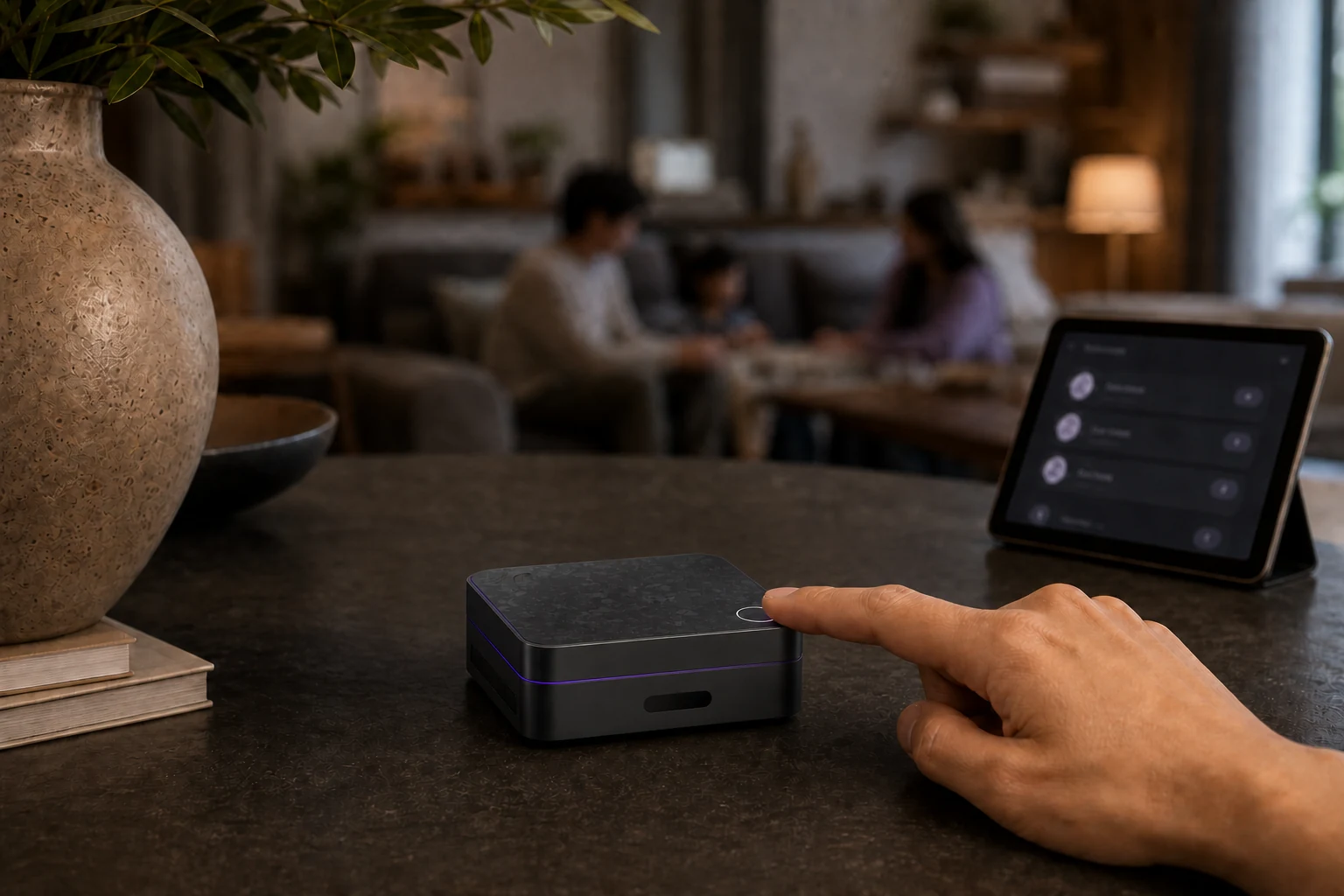
A HarborNavi trust-boundary scene showing household context kept inside the home

HarborNavi guide

What is local-first home AI?

A practical architecture for useful household intelligence without making the cloud the default home for private context.

Last reviewed

Direct answer

In one paragraph.

Local-first home AI processes the core household context, permissions, and supported device workflows on hardware in the home. It may use optional cloud services for selected tasks, but those services are not the default owner of the home's full history or control path.

Default data pathCore context stays on hardware in the home
Cloud roleOptional, scoped, and authorized when needed
Control modelPermissions before sensitive actions
CompatibilityVerified paths, not universal device claims

Working model

Three layers, with a visible boundary.

This model describes the responsibilities in the workflow. It is not a claim that every integration or device is already supported.

  1. 01

    Signals

    Selected cameras, sensors, devices, and requests provide bounded inputs.

  2. 02

    Local context

    The in-home system connects events over time and keeps household history near its source.

  3. 03

    Reviewable response

    The system can clarify, notify, wait, or coordinate an allowed action.

Definition

Local-first describes the default boundary, not an absolute ban on networks.

A local-first system is designed so its essential home functions and private context can live on hardware the household controls. That is different from a cloud-only service whose primary intelligence, history, or control path depends on a vendor account and remote infrastructure.

The term should not be used as a shortcut for perfect privacy. Remote access, notifications, third-party integrations, model downloads, backups, and optional cloud AI can still create external data flows. A credible product should name those flows instead of claiming that every future feature is fully local.

  • State which functions work without the internet.
  • Separate required cloud services from optional ones.
  • Document what leaves the home and why.
  • Avoid treating a component claim as a complete-system guarantee.

Sources: [1], [3]

Architecture

Useful home AI needs context, permissions, and an action boundary.

A model alone does not make a household system useful. The system also needs a device graph, event history, identity and permission rules, and a clear way to decide whether to answer, ask, notify, or act.

HarborNavi's product direction is to connect selected home signals into local household context, then keep sensitive actions reviewable. It is not a promise to control every device, and it does not replace the need to secure the underlying network, accounts, cameras, and automation platform.

Sources: [1], [4]

Connections

Interoperability is verified path by path.

Camera compatibility depends on protocols, profiles, codecs, credentials, event support, and network configuration. RTSP can provide a media-control path, while ONVIF profiles define sets of interoperable functions; neither label means that every feature on every camera will work.

The same discipline applies to smart-home devices. A local controller can expose entities and actions, but the reliability and privacy of the whole workflow still depend on each integration and the services it uses.

  • Verify the exact camera model and ONVIF profile.
  • Check whether events and audio are exposed, not only video.
  • Keep credentials and device permissions scoped.
  • Test failure behavior when the network or an integration is unavailable.

Sources: [5], [6], [7]

Trade-offs

Local-first shifts responsibility as well as control.

Keeping more work at home can reduce routine data exposure and cloud dependency, but it also makes hardware capacity, updates, backups, network quality, and recovery planning more visible to the owner or product maker.

The right choice depends on the household. A camera appliance can be simpler for video-only needs, a cloud assistant can offer broader online services, a DIY stack can provide maximum flexibility, and a professional system can transfer design and maintenance to an integrator.

Sources: [2], [4]

Questions

Practical answers.

Does local-first mean the system never connects to the internet?

No. Local-first means the essential private context and core workflows are designed to stay in the home by default. Updates, remote access, notifications, third-party integrations, and explicitly authorized model requests may still use external services.

Sources: [3], [1]

Is local AI automatically private and secure?

No. Local processing can reduce routine data transfer, but privacy and security still depend on credentials, software updates, network configuration, permissions, backups, integrations, and the exact data path of each feature.

Sources: [1]

Can local-first home AI work with existing cameras?

Potentially, through verified paths such as selected RTSP or ONVIF devices. Compatibility must be checked by model, profile, codec, events, credentials, and network setup; protocol labels do not guarantee every feature.

Sources: [5], [6], [7]

Does HarborNavi already support every feature described here?

No. HarborNavi is in development. This guide explains the product direction and architectural boundaries; current status and planned integrations are maintained on the HarborNavi fact sheet.

Sources: [1]

Sources

First-party pages and official documentation.

These references support the statements above. They do not certify HarborNavi as a complete product.

  1. 01

    HarborNavi

    HarborNavi product facts

    Current product status, compatibility boundaries, local-first direction, and component-certification scope.

  2. 02

    HarborNavi

    Smart-home AI approach comparison

    A sourced comparison of HarborNavi with camera AI, cloud assistants, local automation stacks, and professional systems.

  3. 03

    Home Assistant

    Is my smart home data private with Home Assistant?

    Home Assistant's description of local hardware, local storage, and direct local-network communication.

  4. 04

    Home Assistant

    Building the AI-powered local smart home

    Home Assistant's description of local and cloud model choices, exposed entities, AI Tasks, and owner control.

  5. 05

    Home Assistant

    ONVIF integration documentation

    Integration requirements and device-specific limits for ONVIF camera connections.

  6. 06

    ONVIF

    ONVIF Profiles

    Profile-based interoperability and the need to verify conformant devices and clients.

  7. 07

    RFC Editor / IETF

    RFC 7826: Real-Time Streaming Protocol Version 2.0

    The standards-track scope of RTSP for controlling real-time media delivery.