
Remember
HarborNavi-managed family photos, selected clips, event records, device changes, and the growing home timeline stay on local storage.
Private retention that can grow with optional SSDs.HarborNavi: Keeping the moments that define your home, private and forever.
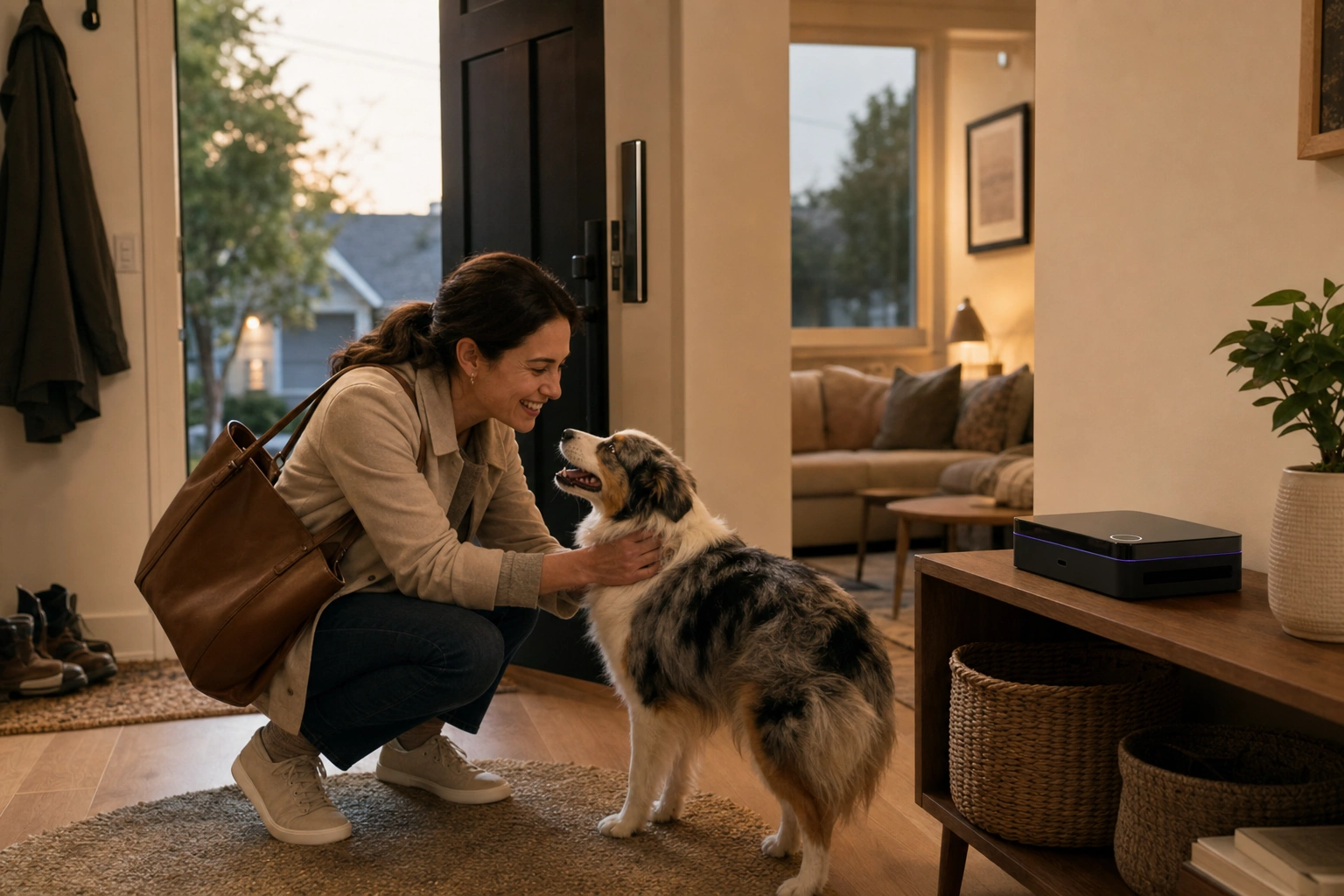
What makes a house a home? It’s the laughter echoing in the living room, your child’s proud little wins, and even the chaotic, fleeting everyday moments. These aren’t just events—they are the memories that define who you are.
HarborNavi gathers these precious pieces of your life into one secure, private home memory. So when you walk through the door, you’re not just arriving; you’re connecting. Ask Navi about the moments you missed, and keep the heart of your home alive.
We could not save your email. Please try again.
Confirm by email to receive HarborNavi Kickstarter pre-launch updates. Unsubscribe anytime. Privacy


The life already happening at home
The moments you choose to keep stay in one private timeline, together with when and where they happened. Ask for one later instead of scrubbing through recordings or searching across apps.
A memory you can ask
Navi keeps up with the day without turning every event into a notification. Routine moments can wait. Configured urgent changes can reach you. When you walk in, Navi can give you the calm version and answer what happened next.
One place. One job.
Storage + Home Agent + Home devices
HarborNavi-managed family photos, selected clips, event records, device changes, and the growing home timeline stay on local storage.
Private retention that can grow with optional SSDs.Navi connects what happened across time, prepares a briefing, answers follow-up questions, and asks when a detail is missing.
The day stays connected instead of becoming separate alerts.Everyday words can become temporary plans across supported devices, while household permissions keep sensitive changes in the right hands.
Each result becomes part of what the home knows next.The response becomes part of the next memory, so the home does not start from zero each time.
When something needs you now
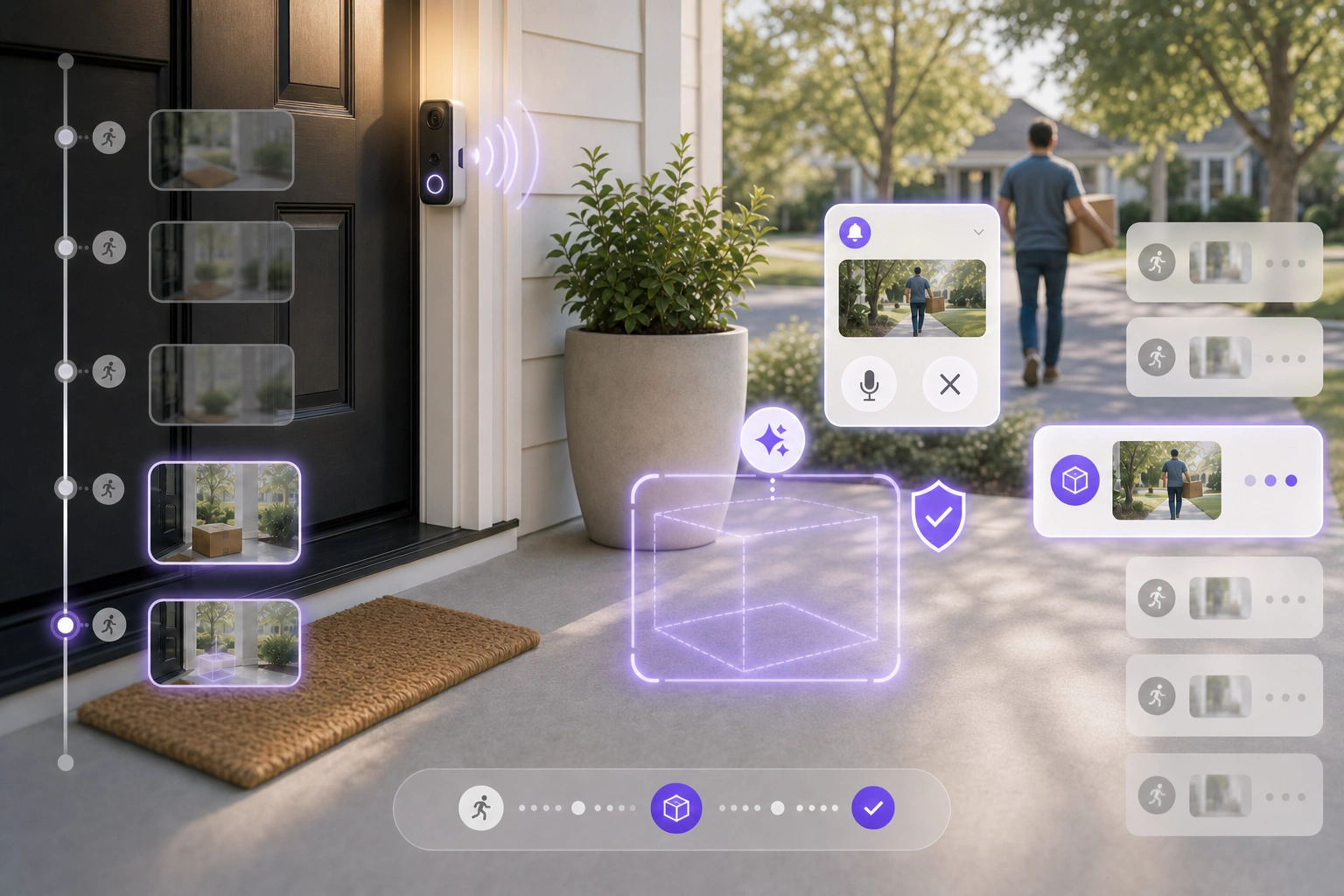
A delivery at 2:14 PM is routine. Someone carrying it away at 2:31 is not. HarborNavi can connect the door camera and presence signals, notify you, save the key clip, and prepare an allowed response through a supported speaker, siren, or doorbell. Any further escalation still belongs to you.
Package removed after delivery. Owner notified. Supported porch warning ready.
Memory makes language useful
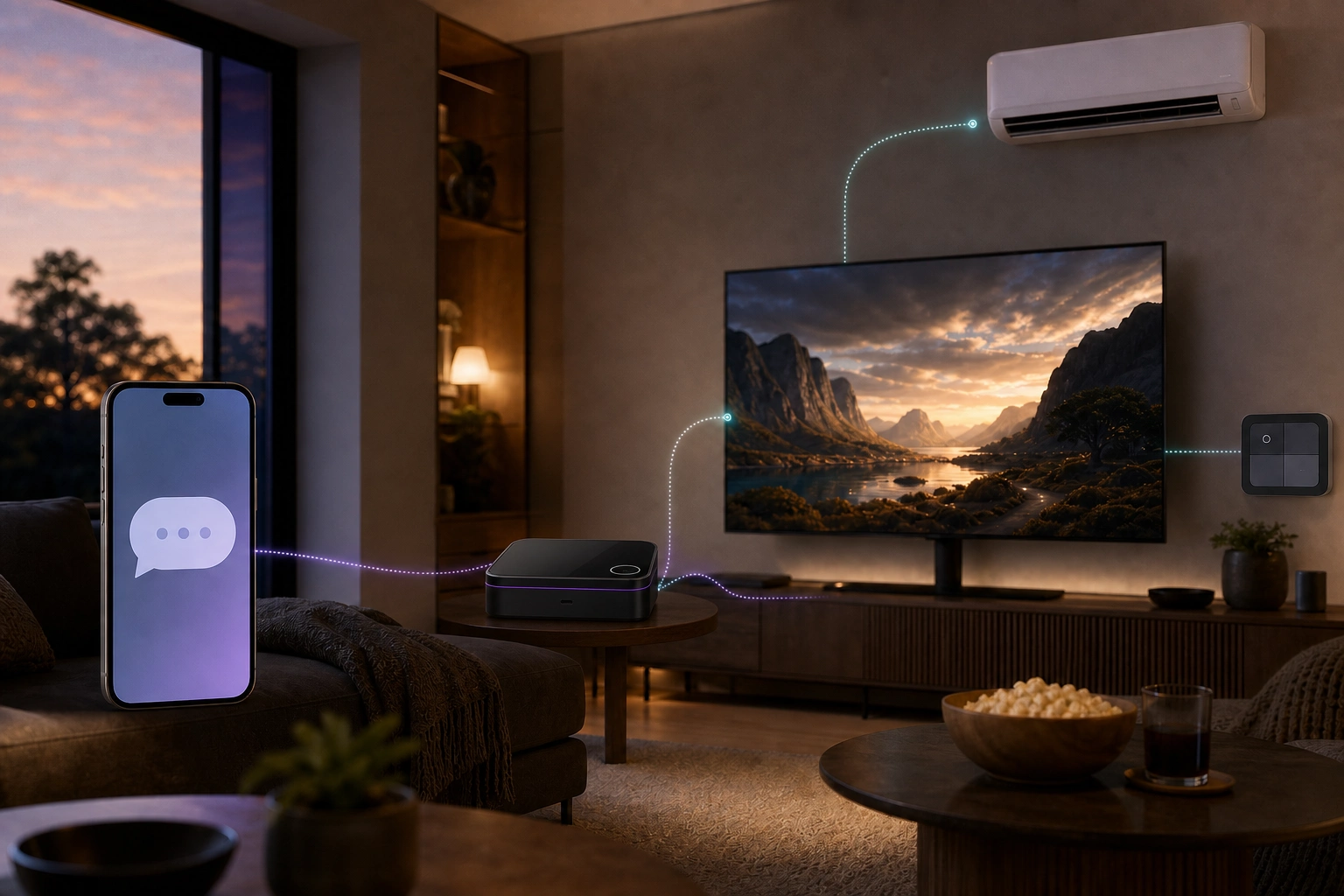
HarborNavi can use room and device mappings already established in the home, ask about anything unclear, and turn the answer into a temporary plan instead of another permanent rule to maintain.
YouMovie night.
HarborNaviLiving-room TV, lights at 20%, AC at 72°F?
YouYes, and mute routine alerts for two hours.
4 devices · 1 temporary plan · Ready to enableWorks with your home
Keep the cameras, sensors, lights, appliances, and Home Assistant setup that already make sense. Supported paths can contribute to the same home memory without asking the household to switch into one brand.
Use supported entities, scenes, and automations already in the home.
Bring selected local camera streams and events into the home timeline.
Add device state and actions where the path is supported and useful.
Designed for common sensors, switches, and small devices after validation.
Designed for televisions and climate devices that still work best by remote.
Compatibility varies by device and setup. A clear supported-device list will be available before orders open.
Dedicated local hardware
A dedicated box gives family memory, local intelligence, device links, and trust boundaries a stable place to live. Optional cloud models can help without becoming the owner of the home's full history.
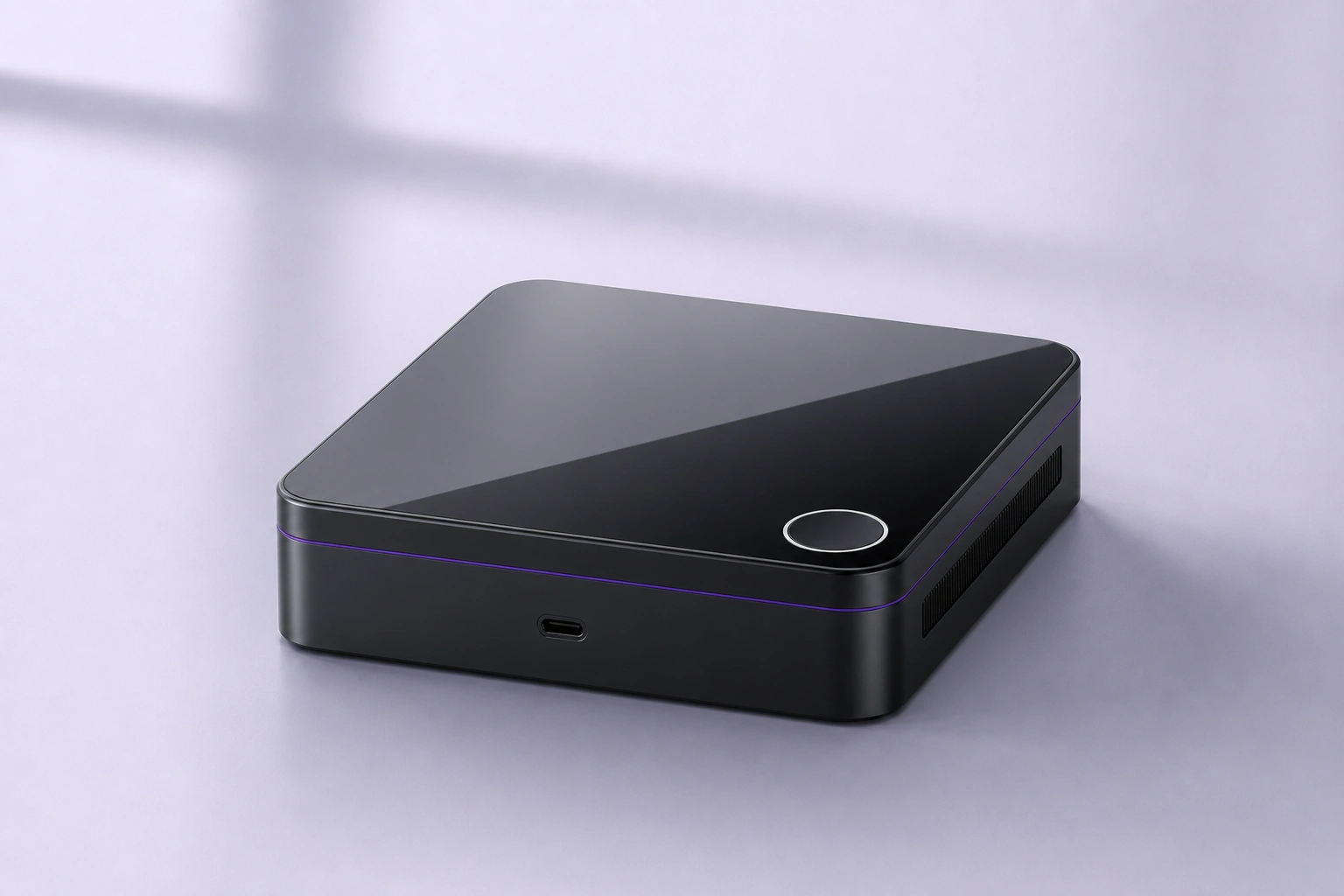
128GB eMMC is the planned base. Two M.2 slots can extend HarborNavi-managed photos, clips, events, and home history.
A dedicated K3-class compute direction gives memory and home workflows a stable place to run.
Dual 2.5GbE, HDMI, Home Assistant paths, selected cameras, planned Zigbee, and planned IR.
Planned fingerprint confirmation and an embedded secure element support sensitive setup boundaries.
Different products keep different pieces
Camera AI, cloud assistants, local hubs, and installed systems each solve a different part of the home. The practical difference is who keeps the full picture together, and what happens when the routine changes.
| Approach | HarborNaviPrivate home memory | Camera AIReolink, Tapo, eufy | Cloud home AIGoogle Home, Alexa+ + Ring | Local automation stacksHome Assistant + Frigate, Homey Pro | Professional whole-homeJosh.ai, Control4 |
|---|---|---|---|---|---|
| Built around | Selected home signals, memory, permissions, and actions in one household picture | Video and security events | Conversation, summaries, and control inside an account ecosystem | Devices, entities, rules, and owner-built automations | Dealer-designed whole-home control |
| Who pieces it together | HarborNavi keeps the household picture together locally | The camera vendor's event history | The vendor cloud and supported services | The owner or integrator | The dealer or integrator |
| When the routine changes | Clarify, wait, notify, or act from what the home remembers | Detect, search, or summarize video | AI behavior inside supported services | The owner adds conditions, helpers, and exceptions | The dealer updates scenes and policies |
| Memory and follow-up | Local household memory across events and conversations | Footage and event history | Account and service memory | Possible with owner-built components | System state and configured scenes |
| From understanding to action | Conversation, clarification, permission, then coordinated action | Alerts and vendor-specific responses | Voice and actions inside supported ecosystems | Broad actions through user-built automations | Broad dealer-configured actions |
| Setup and maintenance | Designed for self-install with supported paths made clear | Vendor app | Consumer account and cloud setup | DIY or self-managed stack | Professional installation |
| Data path and subscription | Core local features without a required subscription | Varies by vendor and model | Advanced features and plans vary | Local core is possible; add-ons vary | Vendor, dealer, and service terms vary |
Examples vary by model and plan. This comparison focuses on the job each category is usually built to do.
Official sources, checked July 2026: ReolinkTapoeufyGoogle HomeAlexa+Home AssistantFrigateHomeyJosh.aiControl4
Questions before launch
HarborNavi uses NAS-like local storage for the memories it manages: selected family photos, clips, event records, and home history. The first product is centered on that private home memory, rather than replacing every general-purpose file server, backup, or media-server workflow.
Cameras are one memory source. HarborNavi is designed to connect selected camera moments with sensors, device state, recent history, and household permissions, then make that history useful in conversation and action.
Home Assistant remains a strong device and automation layer. HarborNavi adds memory, follow-up conversation, and a simpler path from everyday language to a coordinated temporary plan.
No. HarborNavi starts with supported Home Assistant paths, selected RTSP / ONVIF cameras, selected integrations, planned Zigbee, and planned IR. A clear device list will be published before orders open.
It is planned for sensitive setup changes such as adding a member, expanding permissions, or pairing a device. Ordinary questions and routines should stay easy.
Core home memory, permissions, and device workflows are designed to stay local. External models remain optional and follow a filtered outbound path when enabled.
HarborNavi launch list
Join for HarborNavi Kickstarter pre-launch updates.
We could not save your email. Please try again.
Confirm by email to receive HarborNavi Kickstarter pre-launch updates. Unsubscribe anytime. Privacy
Check your inbox
We sent a confirmation link. Your address will not receive Kickstarter updates until you confirm it.
Optional · About 3–5 minutes
Tell us which devices you already use and what you would most want HarborNavi to help with. Your answers will guide compatibility testing and product priorities.